Offline pixel-art editor
Single-file. No server, no account, no network. Draw, animate, and export sprites entirely in your browser.
What is VibeSprite?
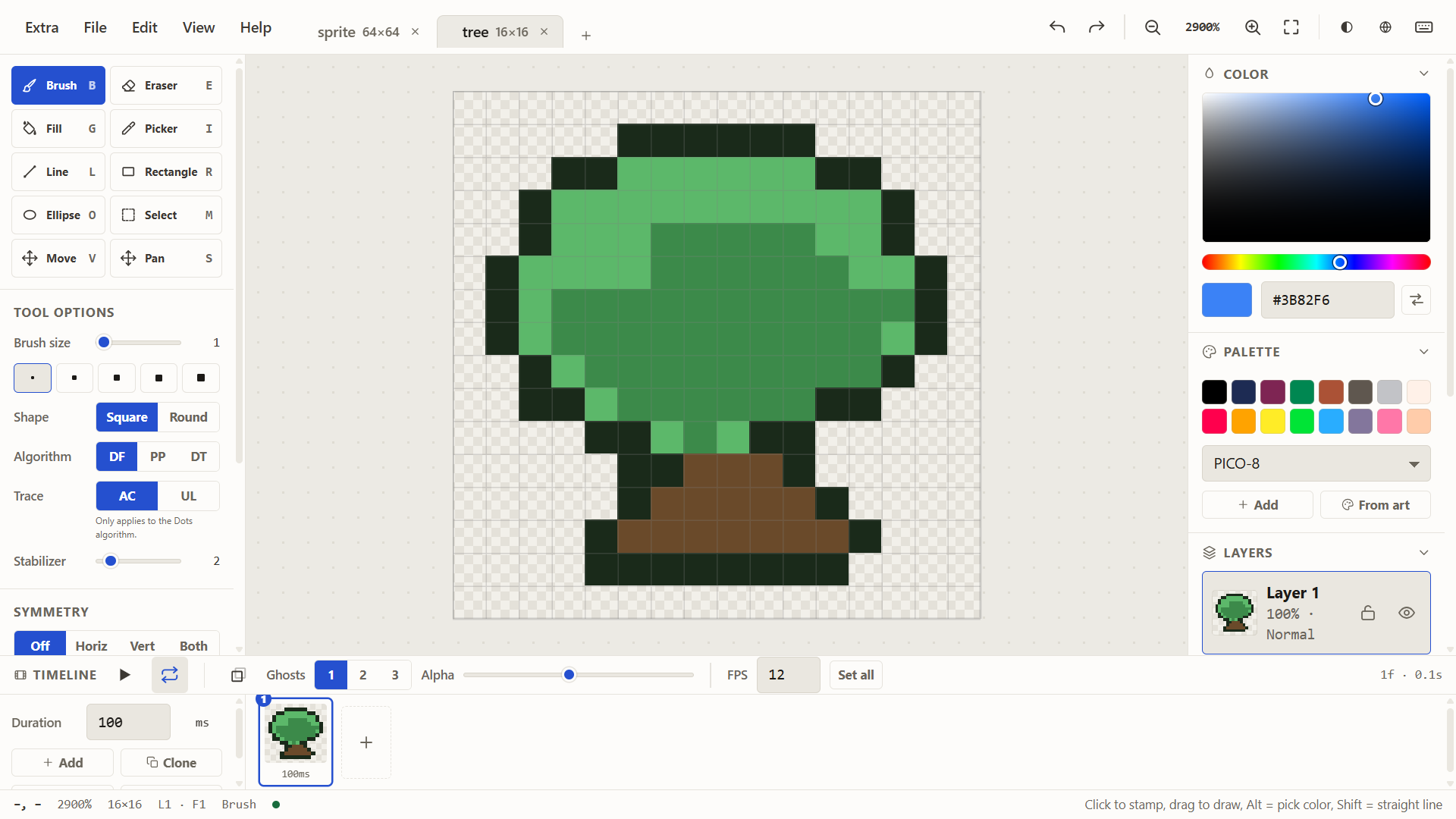
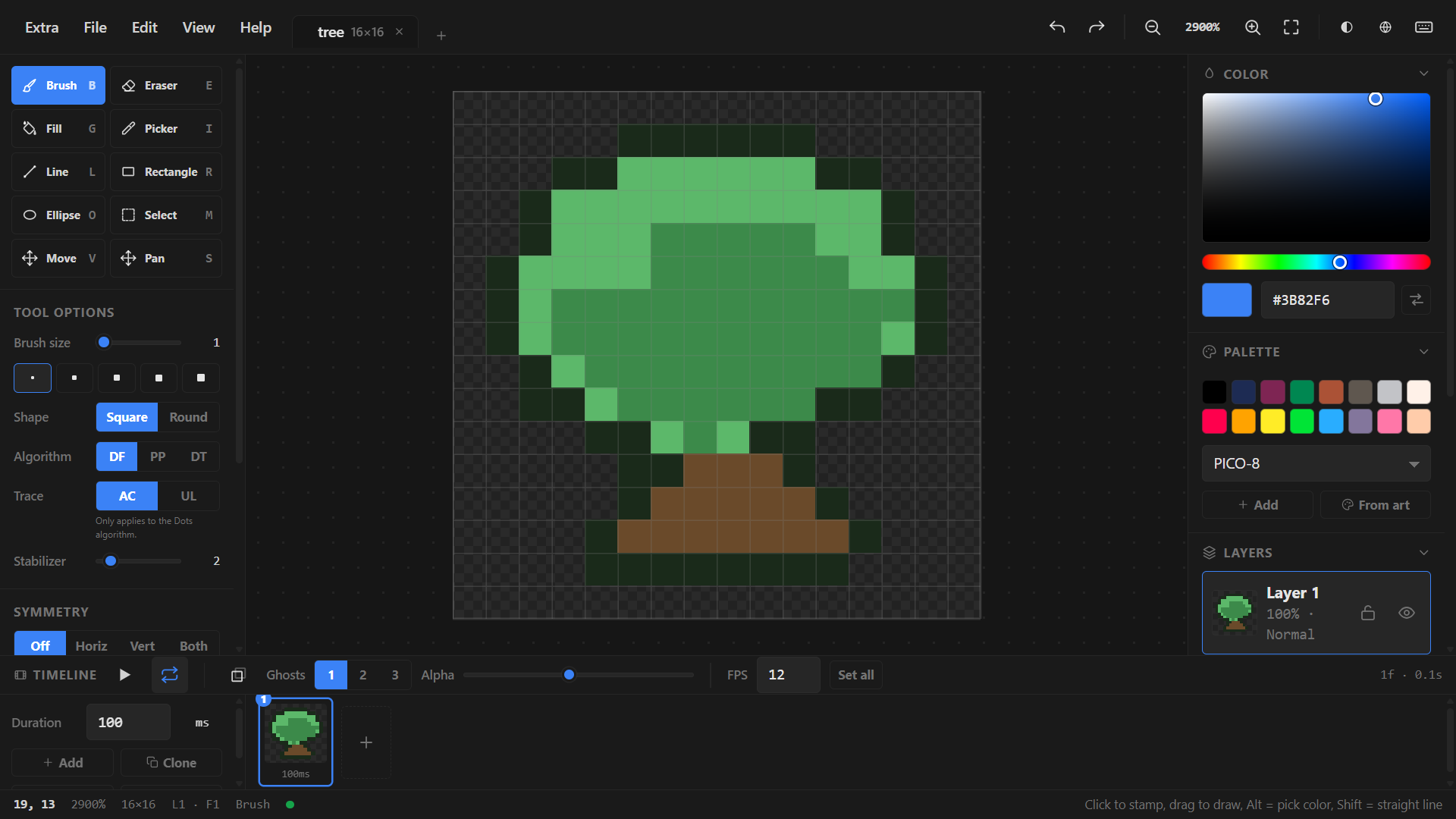
VibeSprite is a self-contained, single-file, offline pixel-art editor. It runs directly in a modern browser without a server, CDN, runtime npm dependency, third-party network connection, account, or cloud service. Artwork stays on your device.
Features
Pixel-perfect drawing
Precise raster tools for small and medium sprites. Grid, onion skin, and layer support.
Animation
Multi-frame timeline, playback, and export to common formats.
Layers & palette
Layered editing with palette management and import/export.
Interchange
Work with PNG, GIF, and other formats used by pixel-art tools.
Offline by default
No network requests after the page loads. Fully usable without internet.
Single file
One HTML file contains everything. Easy to download, host, or share.